Lighter – lock screen.1.1.0.34
Publisher Description
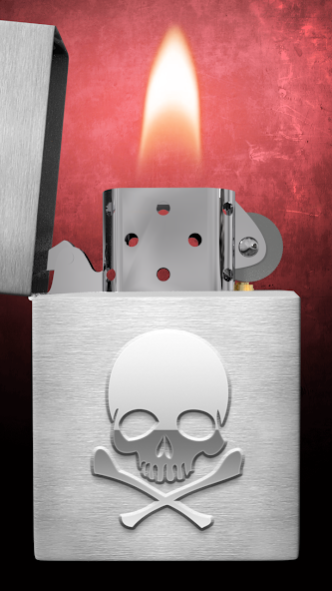
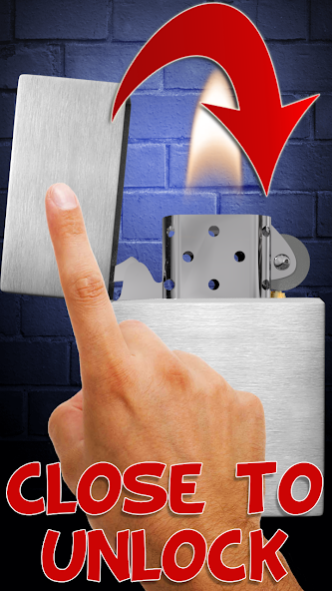
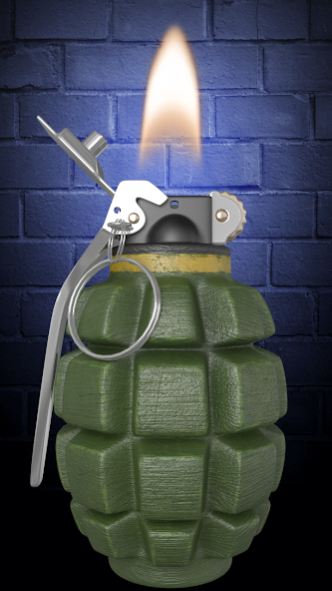
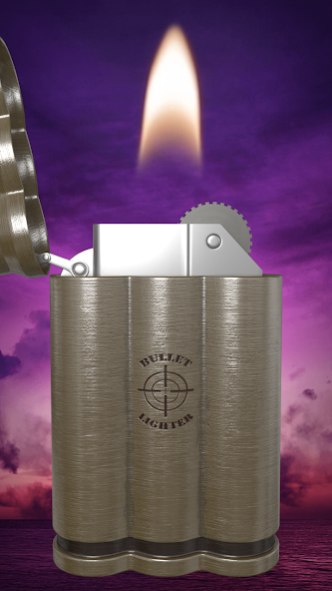
Lighter – lock screen is a fun application for entertainment purposes. In the app you will find 11 fantastic lighter 3D to lock your phone. Lighter - screen lock is very easy to use. With this application, you can lock your phone.
How to use the application:
- To unlock your phone, close the lighter lid.
Lighter lock screen, features:
- 11 fantastic lighters 3d
- As background, you can set one of 5 backdrops prepared by us or choose a color from the color palette.
In case of any problems with the effect of lighter – lock screen, instead of giving us the negative opinion, please send us an e-mail and review briefly the problem. It will help us to solve it in the next updates of lock screen.
Lighter lock screen is free but contains ads inside application. Revenue from advertising will help us to create new attractive wallpapers and applications. All permissions are required only for advertising and are supported by trusted vendors.
About Lighter – lock screen.
The company that develops Lighter – lock screen. is Cosmic Mobile Entertainment. The latest version released by its developer is 1.1.0.34.
To install Lighter – lock screen. on your Android device, just click the green Continue To App button above to start the installation process. The app is listed on our website since 2019-02-06 and was downloaded 10 times. We have already checked if the download link is safe, however for your own protection we recommend that you scan the downloaded app with your antivirus. Your antivirus may detect the Lighter – lock screen. as malware as malware if the download link to com.cosmicmobile.app.lighter_lock_screen is broken.
How to install Lighter – lock screen. on your Android device:
- Click on the Continue To App button on our website. This will redirect you to Google Play.
- Once the Lighter – lock screen. is shown in the Google Play listing of your Android device, you can start its download and installation. Tap on the Install button located below the search bar and to the right of the app icon.
- A pop-up window with the permissions required by Lighter – lock screen. will be shown. Click on Accept to continue the process.
- Lighter – lock screen. will be downloaded onto your device, displaying a progress. Once the download completes, the installation will start and you'll get a notification after the installation is finished.
Program Details
System requirements
Download information
Pricing
Version History
version 1.1.0.34
posted on 2019-02-06
Fixed issues.
